Two weeks ago I posted about getting MS-DOS 2.0 to boot on the AD8088 Plus coprocessor card. Since then I’ve been working on getting it into a publishable state, and today it’s ready.
The source is at git.sr.ht/~sethkush/reboot-camp-83. Everything you need to build and run MS-DOS 2.0 on an Apple II with an AD8088 card is in the repository — the full MS-DOS 2.0 kernel source (MIT licensed by Microsoft), the OEM BIOS, the 6502 bridge, build scripts, and a bunch of ported DOS software.
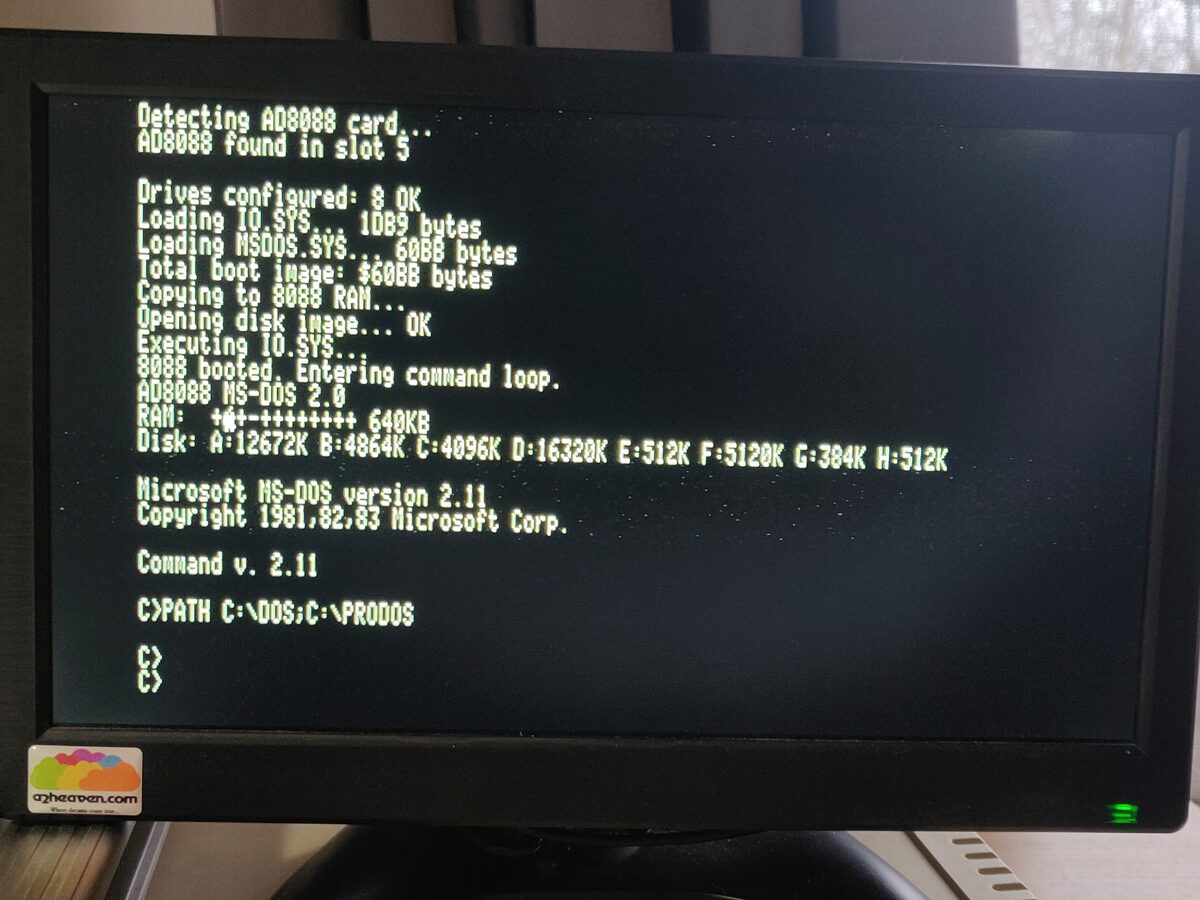
Here’s a video of the system in action:
What changed since last time
The first post covered the initial boot. Since then the bridge — the 6502 program that mediates between the 8088 and the Apple II — was relocated from $0C00 to $0800, freeing up both HGR pages ($2000-$5FFF) for programs that want to draw to the Apple II’s hi-res screen. This was harder than it sounds. The relocation exposed a cascade of buffer overlap bugs between the staging area, ProDOS I/O buffers, and the ROM copy timing. I also hit an undocumented ProDOS constraint where MLI READ limits the request count to the distance between your data buffer and the nearest internal file buffer above it in memory. That one took a while.
The bridge now handles INT 10h video BIOS, INT 16h keyboard BIOS, and an ANSI escape sequence parser in the CON driver. Open Apple acts as Meta/ESC, and Closed Apple maps to function and navigation keys (F1-F12, Home, End, PgUp, PgDn, Insert, Delete). The cursor blinks in sync with the Apple II’s VBL.
HGR Graphics
With the bridge below $2000, programs can use both HGR pages — Page 1 ($2000-$3FFF) and Page 2 ($4000-$5FFF) — for Apple II hi-res graphics. The bridge has a graphics mode command that switches the display between text, HGR, and mixed modes, and a ROM call command for block memory copies. A DOS program renders into a local framebuffer in 8088 RAM, then block-copies the finished frame to Apple II HGR memory through the shared memory bus.
I wrote a rotating wireframe cube demo (HGRCUBE.COM) to test the pipeline — Bresenham line drawing, a 256-entry sine/cosine table, and fixed-point 3D projection, all in 8086 assembly, no floating point. The joystick controls rotation speed through the Apple II game port, read directly through the shared memory bus.
Software
Most of the fun has been getting software running. The rule is: if it doesn’t try to write directly to PC video RAM, it’ll probably work. Everything below is built from source (included in the repo) unless noted.
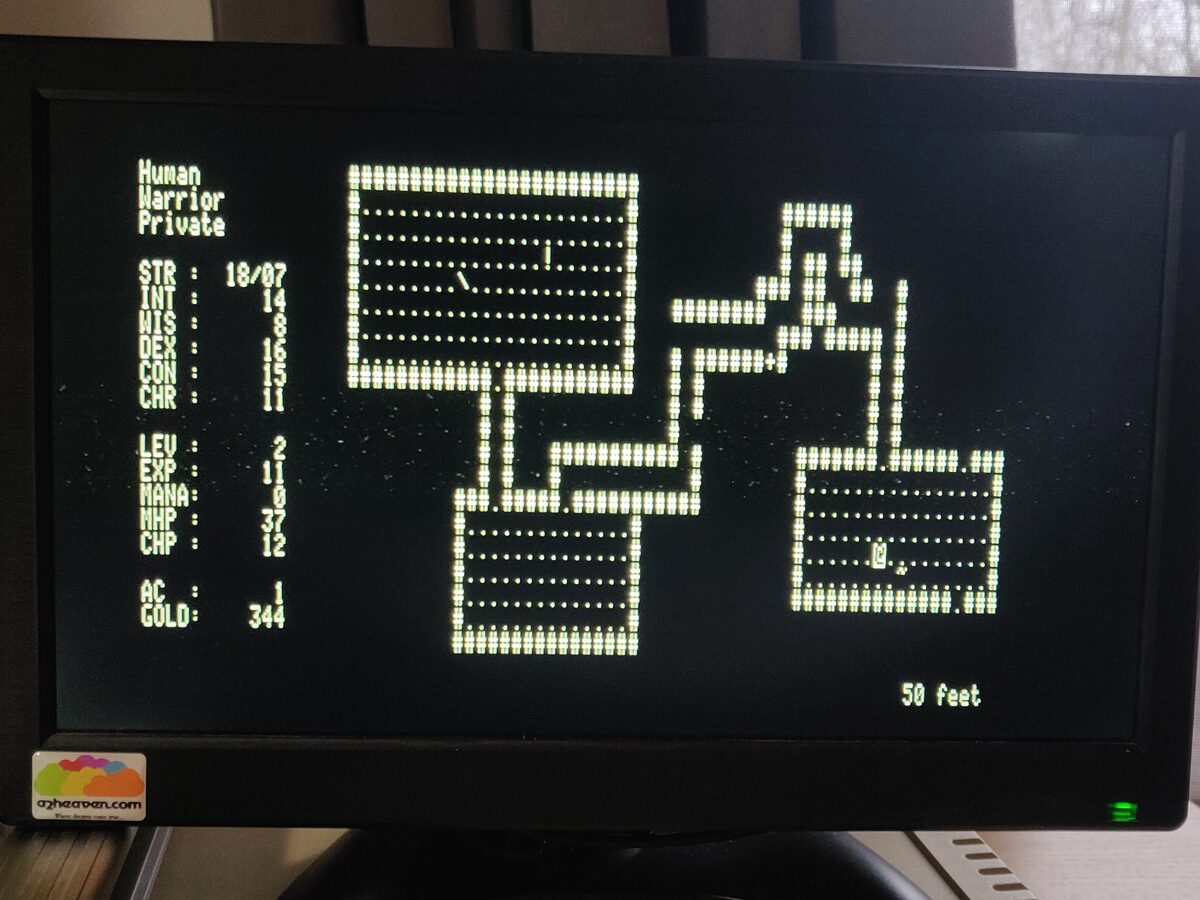
Rogue and Umoria both run. Rogue plays well — the Apple II keyboard’s lack of a numpad means you use hjkl for movement, which feels right. Umoria is slower on the 8MHz 8088 but playable. Save/restore works through the FAT12 filesystem.
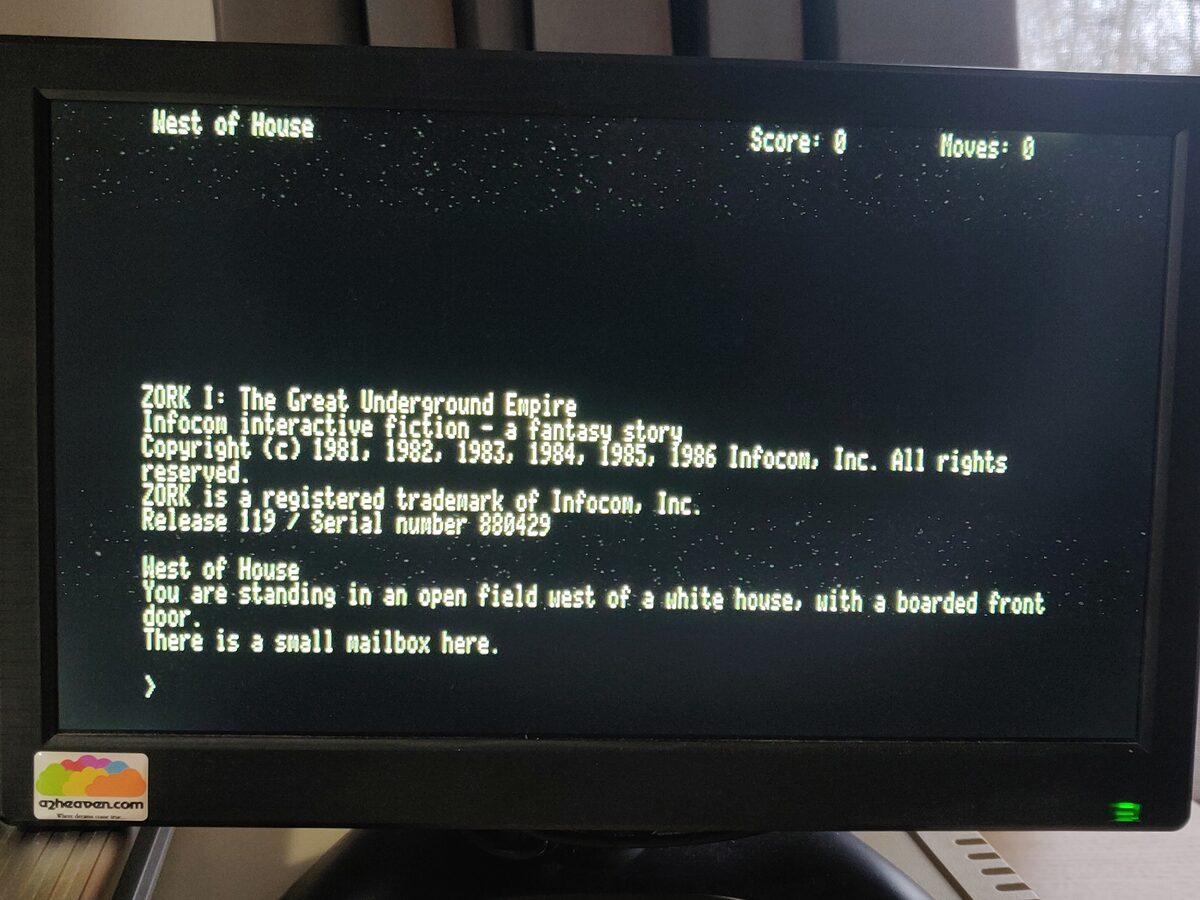
Zork I, II, and III run on Frotz, a Z-machine interpreter. Microsoft released the Zork source under MIT in 2025. Interactive fiction is a good fit for this hardware.
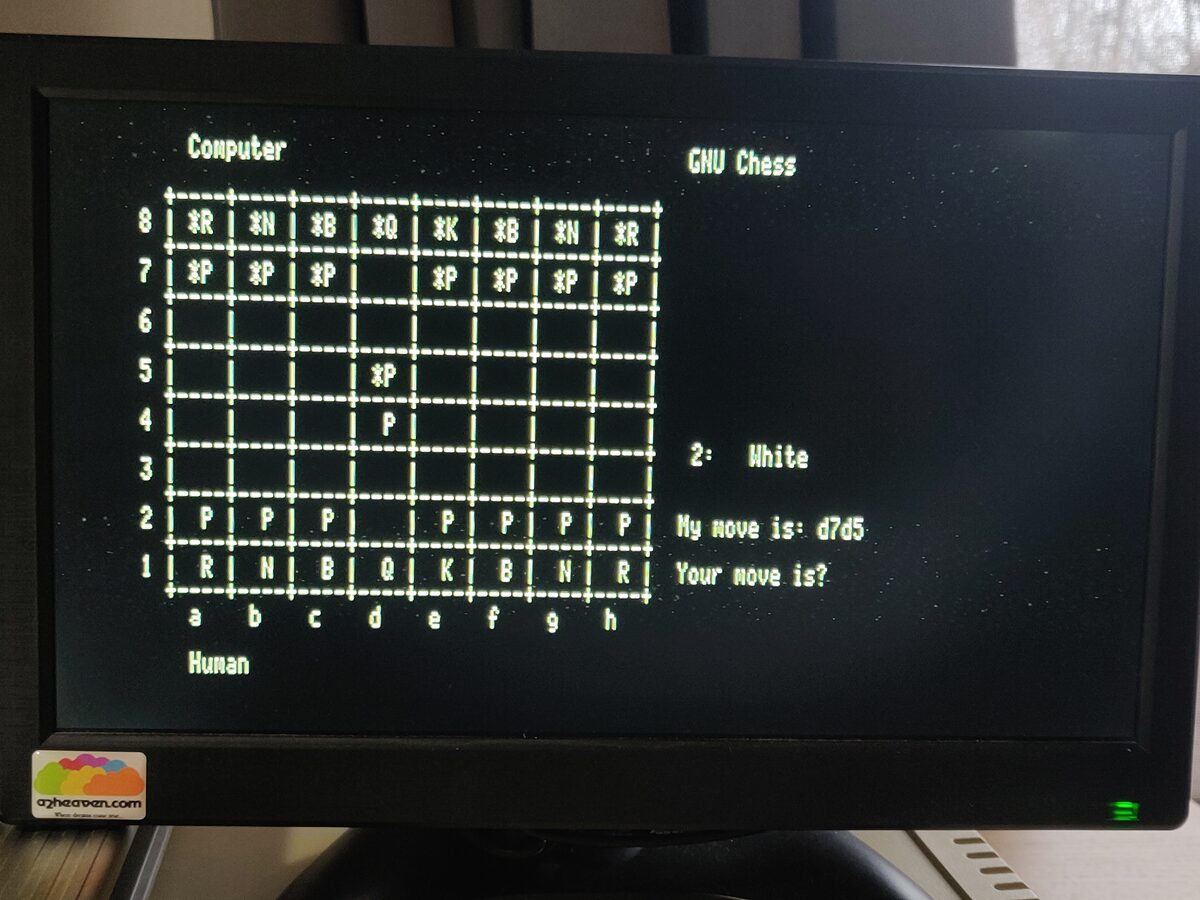
GNU Chess 4.0 plays a reasonable game if you’re patient. The 8088 at 8MHz is not fast at chess, but it thinks and it plays legal moves and it will beat you if you’re not careful.
ATC is the air traffic control game from BSD Unix — you guide planes through a sector, issuing altitude and heading commands, trying not to let them crash into each other. The timing took some work. The original uses Unix alarm() signals, and the AD8088 has no programmable interval timer. The port scales the game tick dynamically based on the number of active planes to maintain stability on the 8MHz 8088 without a PIT.
For editors, there’s MicroEMACS (Daniel Lawrence) and Calvin, a vi clone (Paul Vojta). Both have been modified for the AD8088 — MicroEMACS uses ANSI terminal output instead of direct video RAM, and Calvin uses INT 10h BIOS calls. Freemacs is also included but it’s unusably slow on this hardware. MicroEMACS or Calvin are the ones you’ll actually want.
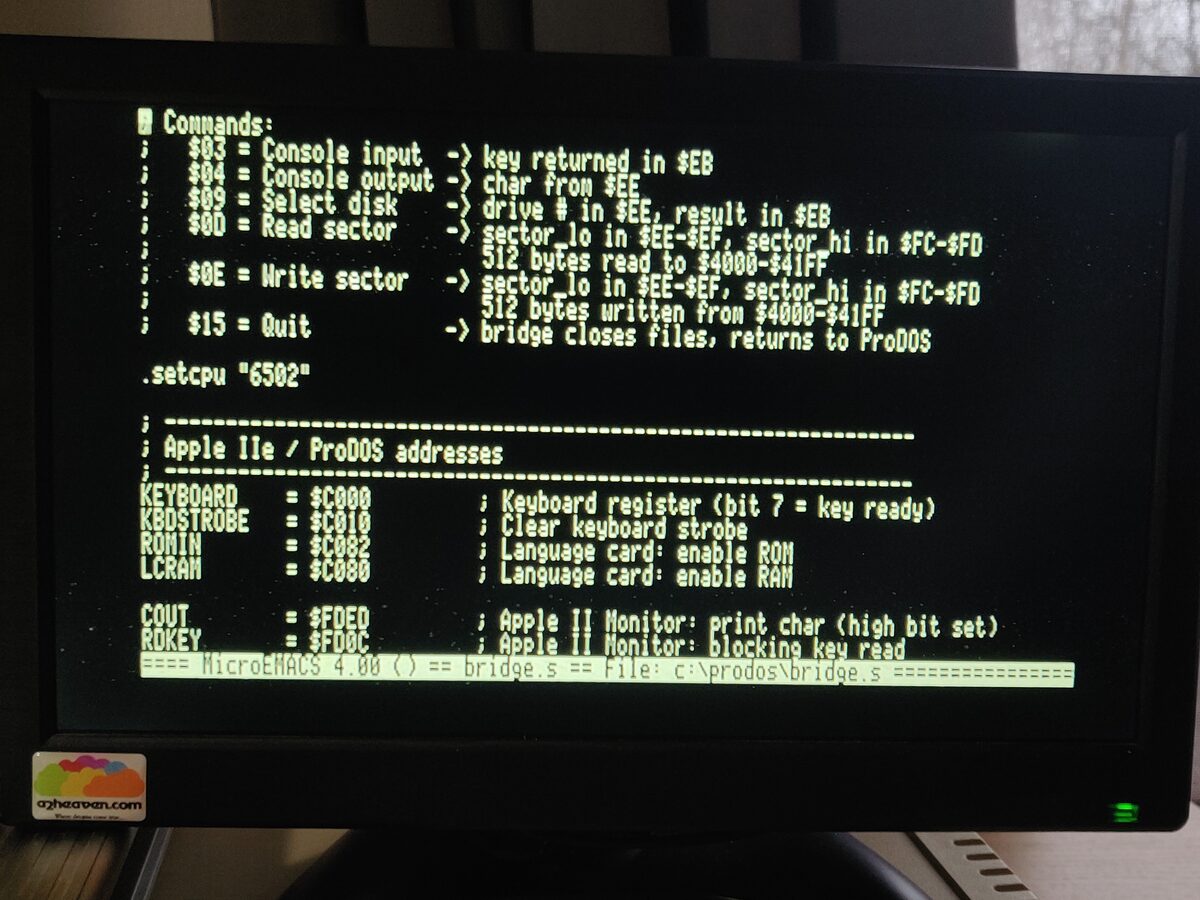
TinyASM (Oscar Toledo G.) is a self-hosted 8086 assembler — you can write and assemble programs directly on the Apple II without a cross-development setup. Combined with DEBUG.COM you’ve got a full assembly language development environment on the card.
There are also bridge utilities: SEND.COM and RECEIVE.COM for transferring files between the DOS filesystem and the ProDOS volume, MKDISK.SYSTEM for creating new FAT12 disk images from ProDOS, a SETUP utility for drive assignments, and QUIT.COM to return to ProDOS.
Commercial software
A lot of off-the-shelf DOS software just works.
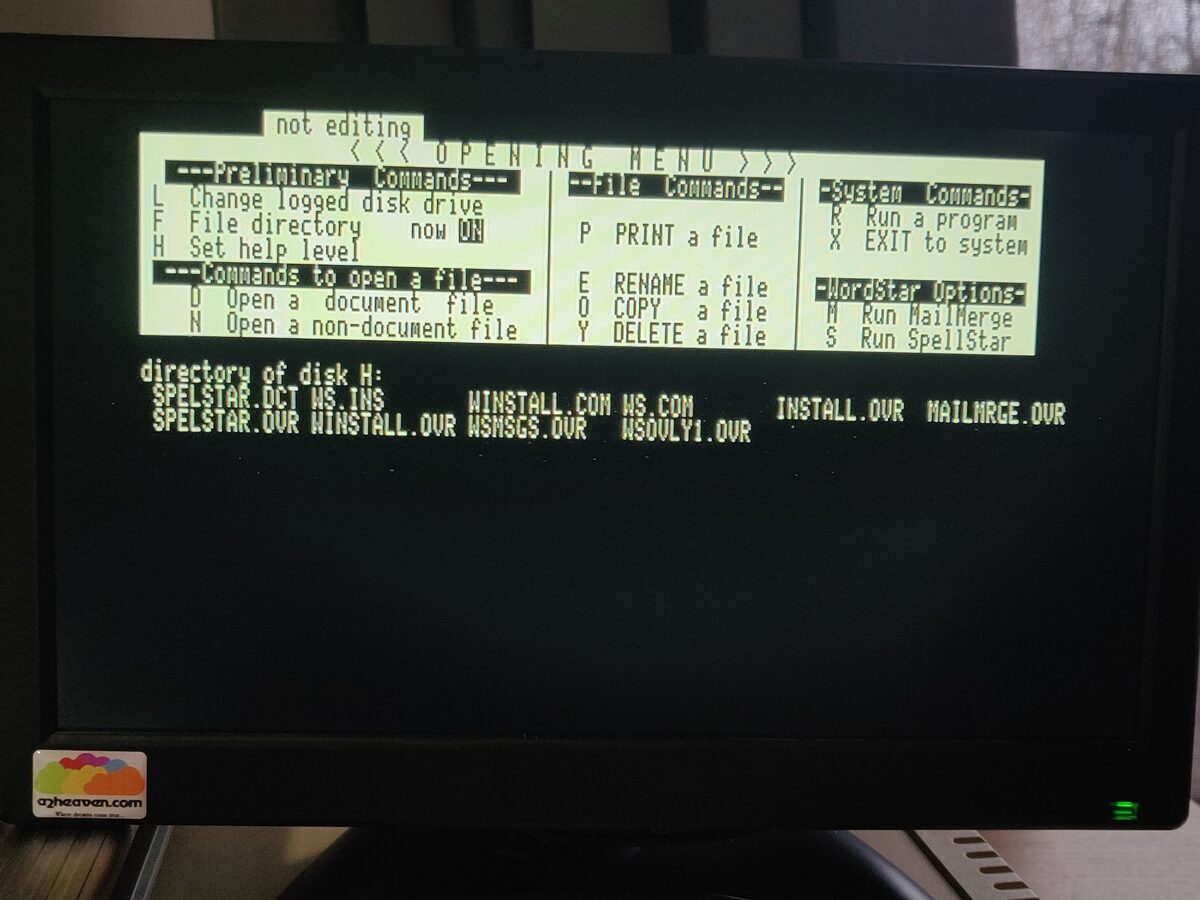
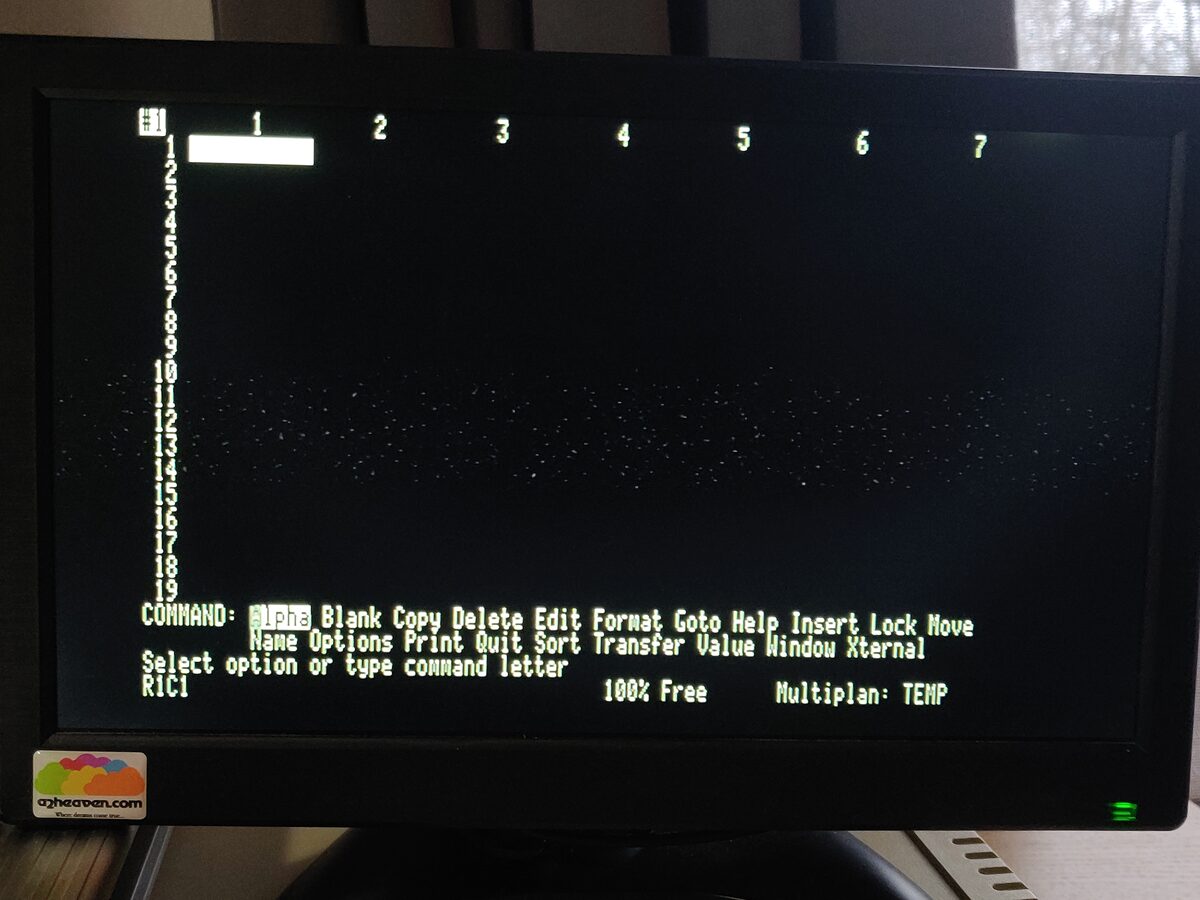
WordStar 3.30 and Microsoft Multiplan 1.06 both run. WordStar needs the generic (non-PC) terminal version, which is harder to track down than you’d think, but once configured for an ANSI terminal it works well. Multiplan works with the ANSI driver out of the box.
dBASE II, R:BASE 5000, and R:BASE System V all appear to work. I’m not proficient enough in any of them to stress-test, but they load, accept commands, and create databases.
Borland C++ 2.0, Turbo Pascal 7.0, and Turbo Assembler 4.0 work as command-line tools — you can compile, assemble, and link programs directly on the AD8088. The IDEs won’t work (they write to PC video RAM), but BCC, TPC, and TASM at the command line are fine. Standard library functions that do direct hardware access will need work, but pure computational code compiles and runs.
The build system
The build is fully automated. build.py assembles the MS-DOS kernel and BIOS inside a headless FreeDOS VM using QEMU and JWASM, assembles the 6502 bridge with ca65, and builds the NASM utilities on the host. mkdisk.py creates FAT12 disk images and packages everything into a bootable ProDOS hard drive image. Takes about two minutes.
The system can also rebuild itself. The repository includes JWASM on the DOS tools disk, and BUILD.BAT can reassemble MS-DOS from source directly on the AD8088. The other software should be buildable on the AD8088 as well, provided you have Borland C++ 2.0 and Turbo Assembler available. Due to impatience, I have only compiled the additional programs in QEMU.
What’s next
I’m working on a COM driver for the Super Serial Card. The bridge will poll the 6551 ACIA between commands, draining incoming bytes into a ring buffer. The 8088 side exposes it as COM1 through INT 14h. The goal is a terminal emulator so the Apple II can talk to a WiFi modem — telnet from MS-DOS on an Apple II.
Getting it
You need an Apple II with an 80-column card, an AD8088 or AD8088 Plus coprocessor, and a ProDOS-compatible mass storage device (CF card, SD card, SCSI drive). Copy the output image to your storage, boot ProDOS, and select MS-DOS from the startup menu.
The source is at git.sr.ht/~sethkush/reboot-camp-83. I would love to see screenshots and hear from anyone else who tries MS-DOS on their Apple II.